


Ryan Haines / Android Authority
For him, wireless charging is essential as a backup solution in the event that something happens to his phone's charging port. But ultimately, I decided that wireless charging wasn't a necessary feature for me.
Just over a week later, I found myself scrambling for a wireless charger, thanking my past self for having purchased a phone with wireless charging support.
How often do you use wireless charging?
114 votes
I've ignored wireless charging for years
Robert Triggs / Android Authority
Wireless charging really hasn't been on my radar in any meaningful way for years. In fact, I needed to check whether my current daily driver supports the feature because I pay so little attention to it.
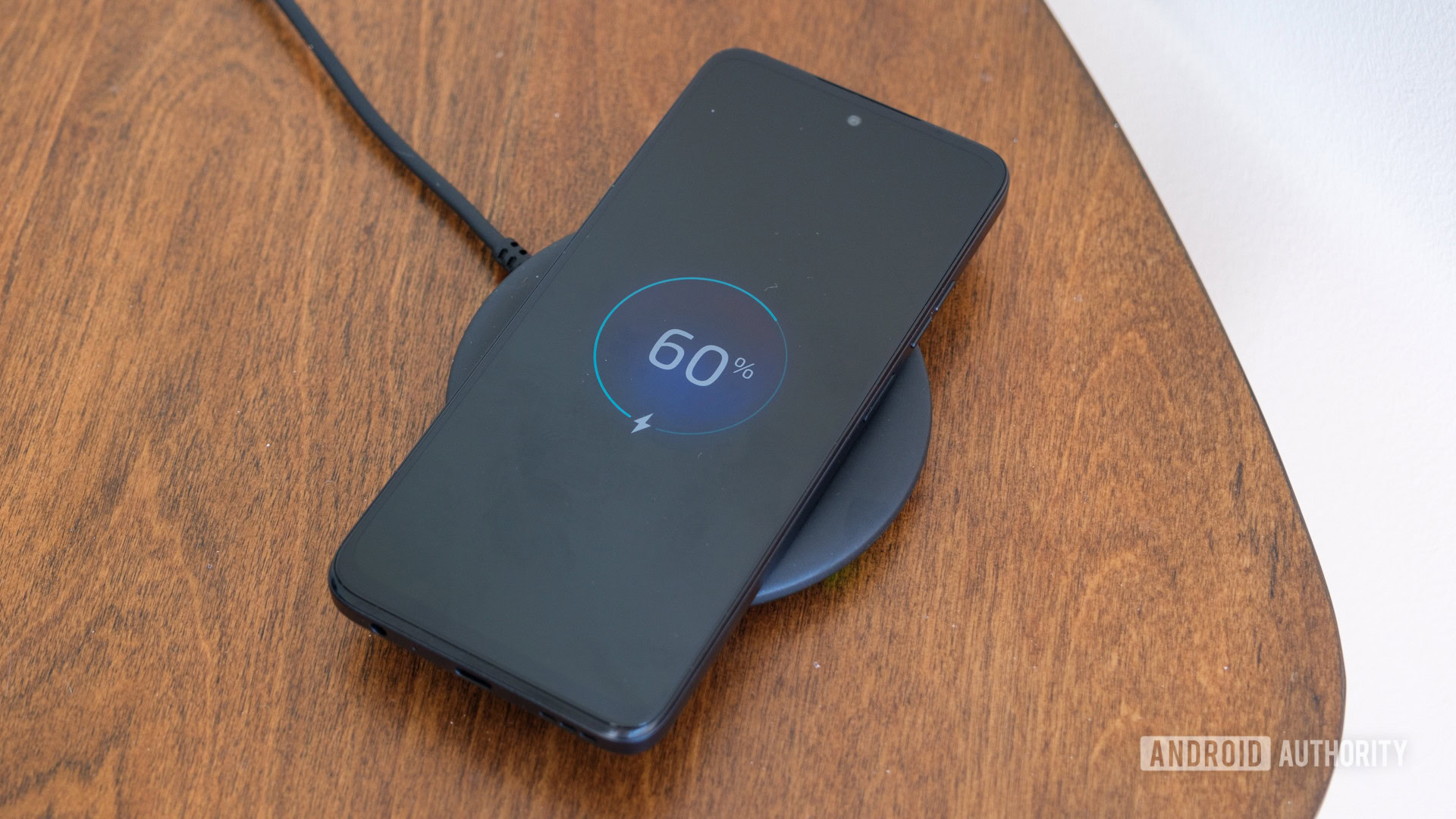
Every now and then, though, I'll receive a wireless charging dock from a company, and I'm reminded why I ignore it: the slow charging speeds. The last wireless charger I received in 2024 maxed out at 15W.
Considering I've grown accustomed to 100W wired charging on my last two smartphones, using 15W charging feels unfathomable. Even my Samsung Galaxy S23 Ultra's 45W wired charging is a bit slow for my tastes, so 15W feels glacial in comparison.
I have mostly ignored wireless charging due to the slow speeds and cost of compatible docks.
It's true that some phone companies offer faster wireless charging. In fact, my Honor 400 Pro supports 50W wireless charging. However, this requires purchasing a separate charging dock.
With so many companies using proprietary charging standards, and the high cost of charging accessories, it doesn't feel worth it to buy a dock that may not work with my next device. I feel this more acutely with brands like Samsung, since you already have to buy the wired charging brick separately.
I miss the days when premium phones came with all the accessories you needed. Even buying a cover and screen protector is a grudge purchase for me, so I really balk at the idea of buying both a wired and wireless charger.
So, what happened that made me turn around so suddenly?
A moisture warning reminded me why I still need it
Hadlee Simons / Android Authority
A moisture-in-port warning on my Samsung phone quickly made me change tack on wireless charging. At first, I wasn't really alarmed, as I've received this warning before.
But over four hours later, the warning persisted, and I still couldn't charge my phone. I knew the warning wasn't a software bug because I had exposed my phone to water. I was concerned that the moisture wouldn't go away as my battery dipped below 30%. I also knew that I didn't have the budget to repair the device if I had permanently damaged the charging port.
Hours after getting my phone wet, the moisture warning persisted. Meanwhile, my battery was running out.
It was actually the phone's software that recommended I use wireless charging instead. But I realized that I didn't know if I actually had a dock I could use.
What about those wireless charging docks I mentioned receiving over the years? I had given most of them away or tossed them out. As my panic increased, I realized that I had a dock in the box I've set aside for e-waste recycling.
In this case, my own procrastination saved the day. I packed the docks into the e-waste box weeks ago, but I hadn't had the time to actually take it to the recycling center. If I had, I wouldn't have had a dock to use.
Eventually, I got rid of the moisture warning by propping my phone upright on the couch for a few hours. But the close call reminded me why I should keep a wireless charger around at all times.
Wireless charging is still just a backup, but an important one nonetheless
Robert Triggs / Android Authority
Now, I wouldn't call myself a wireless charging convert. Rather, I acknowledge its usefulness as a backup solution. But it remains just that: a backup.
My concerns around speed and compatibility remain. Qi2 25W improves wireless charging on Android phones, but it's still much less efficient than wired charging. And that's if chargers supporting the standard even deliver the advertised speeds consistently, which my colleague Rita's Google Pixel Snap review found not to be the case.
While I realize the benefits of having a wireless charger handy, I still only plan to use it as a backup.
However, there are other drawbacks to wireless charging, including increased heat while charging. Since heat harms battery health, I don't want to expose my phone to high temperatures for long periods. At least when using wired charging, my phone isn't connected for more than 20 minutes.
I can say, though, that I'm glad that so many phones support some version of wireless charging. While it's less common on budget phones, plenty of brands have incorporated the technology into their premium offerings.
Robert Triggs / Android Authority
I've had a set of essential smartphone features that I refuse to compromise on for some time. However, I may need to add wireless charging to the list, so I have a backup solution in place in case my charging port becomes compromised again.
Part of me wants to say that I've only had one incident over multiple years, so I shouldn't really worry about wireless charging. But that's almost exactly what I was thinking the week before the entire moisture mess happened.
In this case, I'd rather have the feature as a backup than not have it at all. It could be the difference between keeping a device running while I get the budget for a repair and not being able to use the phone at all.
Don't want to miss the best from Android Authority?
Thank you for being part of our community. Read our Comment Policy before posting.